
Account setup
A fresh company account, from empty to working, in one sitting.
1:17 walkthrough, recorded on real data.
Account setup
An admin walkthrough of standing up a new company on the platform: the company profile and vocabulary, the team and their roles, the pipelines and stages, and the first-time defaults every import and campaign will inherit.
In this video
- Profile and app preferences
- Adding team members and setting roles
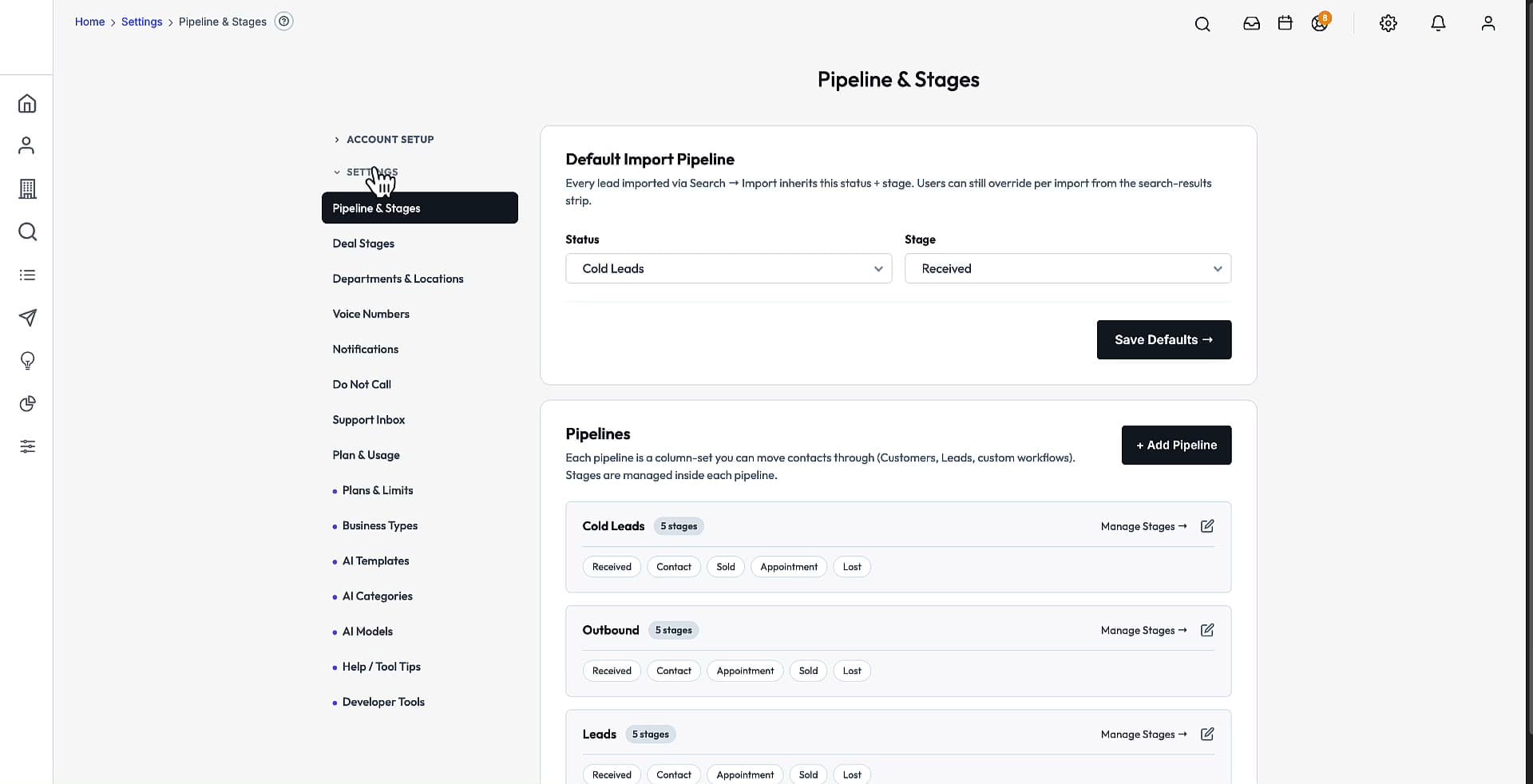
- Pipelines, stages and the default import stage
- First-time defaults for notifications and sending
The capabilities
Everything below ships in every tier. You own the source, so any of it can be changed.
Roles and permissions matrix
Capabilities by role, including who sees all records versus their own.
Vocabulary overrides
Rename Customers, Leads and the content label to match your business.
Industry presets
Business Types clone starter custom fields into a new company.
Demo setup
A guided seeder fills a tenant with realistic sample data for training.
Watch next
All 31 walkthroughsSetup wizards
1:26Onboarding a company step by step, by hand or by script.
Every setting for the company, in one role-aware hub.
Drag-and-drop pipelines with per-company stages and forecasting.
See it on your own data
Book 20 minutes and we will walk through Account setup live, on your own market and data.
Own the entire acquisition engine — source code and all
One price, no per-seat fees, no monthly rent on your own pipeline. Host it yourself, or let us host it for $199/mo. A 30-day code warranty backs the delivered source.
$2,500
One Time Payment
Own It Forever
- Full source code — web + mobile
- 145M-contact B2B database
- AI agents + automated outreach
- Full CRM + built-in AI Developer