
Quote e-signature
Send a quote, get it signed, file the PDF. No third-party service.
1:45 walkthrough, recorded on real data.
Quote e-signature
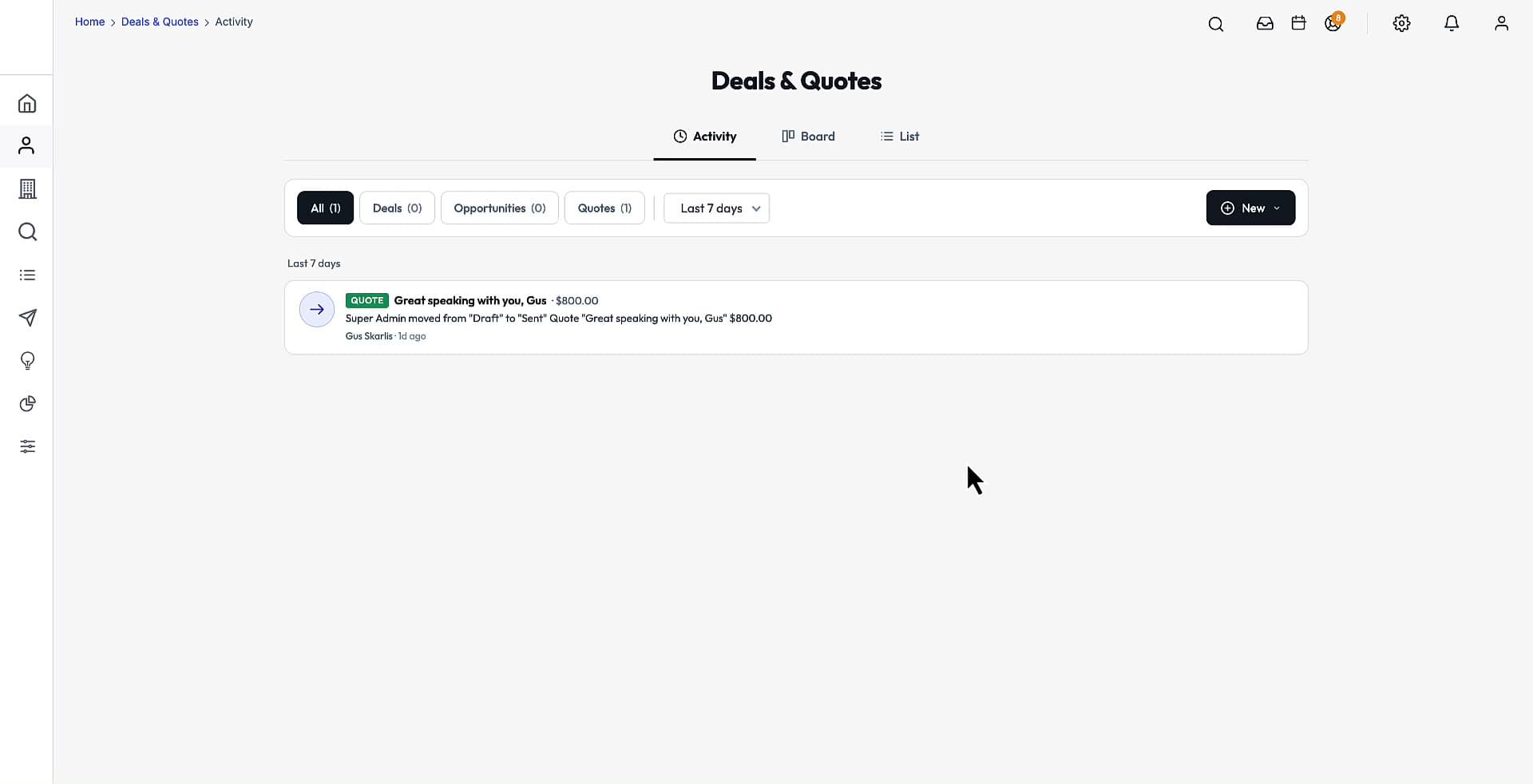
E-signature is built in. You set the terms and expiry once in Settings, send a quote from its record, and the customer signs on a hosted page with a typed signature and a consent checkbox. The signed PDF lands on the quote as it moves to the Accepted stage.
In this video
- Setting terms and expiry in Settings
- Sending a quote for signature
- The customer's hosted signing page
- The signed PDF arriving on the quote
The capabilities
Everything below ships in every tier. You own the source, so any of it can be changed.
No per-envelope fees
Signing is part of the platform, not a metered add-on.
Typed signature plus consent
The hosted page records the signature, the consent and the timestamp.
Terms and expiry
Set once in Settings and applied to every quote you send.
Automatic stage move
A signed quote moves to Accepted and carries its PDF with it.
How you use it
- 1
Set signing terms and expiry under Settings.
- 2
Open the quote and choose Send for signature.
- 3
The customer signs on the hosted page.
- 4
The signed PDF attaches to the quote at Accepted.
Watch next
All 31 walkthroughsDeals + quotes
5:20Deals, opportunities and quotes in one module, with line items and roll-ups.
Drag-and-drop pipelines with per-company stages and forecasting.
Contact details
4:17A contact's whole story in one record.
See it on your own data
Book 20 minutes and we will walk through Quote e-signature live, on your own market and data.
Own the entire acquisition engine — source code and all
One price, no per-seat fees, no monthly rent on your own pipeline. Host it yourself, or let us host it for $199/mo. A 30-day code warranty backs the delivered source.
$2,500
One Time Payment
Own It Forever
- Full source code — web + mobile
- 145M-contact B2B database
- AI agents + automated outreach
- Full CRM + built-in AI Developer